Digital Payments 101: Getting Paid Without Being There
Set up Venmo, CashApp, and QR codes at your stand in under 30 minutes — and why it doubles your revenue.
Cash-only stands leave money on the table. Literally. The average American carries less than $20 in cash. If your stand only accepts bills and coins, you're turning away customers who want to buy but can't.
The Numbers Don't Lie
Vendors who add digital payment options report a 40-60% increase in revenue. Not because more people visit — but because the people who do visit actually complete their purchase instead of walking away empty-handed.
Step 1: Set Up Your Accounts (10 minutes)
Create business accounts on at least two of these:
- Venmo — Most popular with under-40 customers
- CashApp — Second most popular, very easy setup
- PayPal — Trusted by older customers
- Zelle — Built into most banking apps
Use your stand/business name, not your personal name. This looks more professional and keeps finances separate.
Step 2: Generate Your QR Codes (5 minutes)
Each app lets you create a QR code that customers scan to pay. Download or screenshot each QR code. You'll need these for your signs.
Step 3: Make Your Payment Sign (15 minutes)
Create a single, clear sign that shows all payment options. Include:
- Each QR code, large enough to scan from arm's length
- The app name under each code
- Your prices clearly listed
- "Cash also accepted!" at the bottom
Free tools like Canva have templates for this. Print on cardstock and laminate it (or put it in a sheet protector).
Step 4: Position It Right
Mount your payment sign at eye level, near the products. Customers should see it naturally as they shop. Many vendors create a separate "payment station" area with the sign, cash box, and bags all together.
Pro Tips From Experienced Vendors
- Enable notifications so you hear each payment come in — it's motivating and helps you track
- Set suggested amounts — Venmo and CashApp let you pre-fill amounts. Set them to your common prices
- Add a personal thank-you note as your payment description — "Thanks from [Your Stand Name]!"
- Keep a portable phone charger at your stand if you use a tablet for display
- Review daily — Check what came in digitally vs. your cash box to understand the split
What About Card Readers?
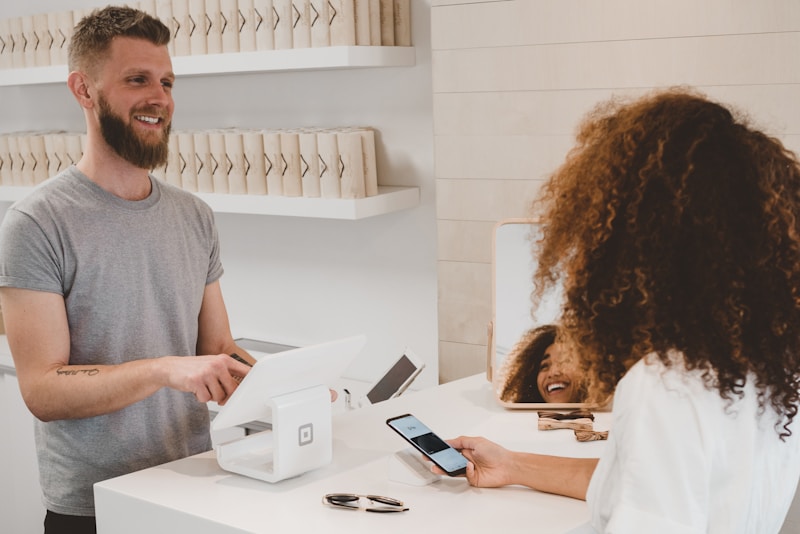
Square and other card readers work well but require Wi-Fi or cell signal and cost 2.6% per transaction. For most honesty stands, QR codes for peer-to-peer apps are simpler and free. If you're doing high volume ($500+/week), a card reader can be worth the fee.
The Bottom Line
Digital payments aren't optional anymore — they're expected. The 15-minute investment in setting up QR codes can be the single highest-ROI action you take for your stand.
Found this helpful?
Share it with your community